Saving disk space is crucial, especially when your storage device - such as a disk drive, smartphone, or any other device - contains a lot of high-resolution multimedia files, be it HD movies, videos taken with your camera or pictures taken with your phone.
Finding duplicate and similar files
One thing you can do to free up space is to create a backup, or you can use this software called Duplicate Media Finder. The main purpose of this software is to find and delete duplicate files and files that are similar, such as pictures and videos saved in another format.Configuring your search
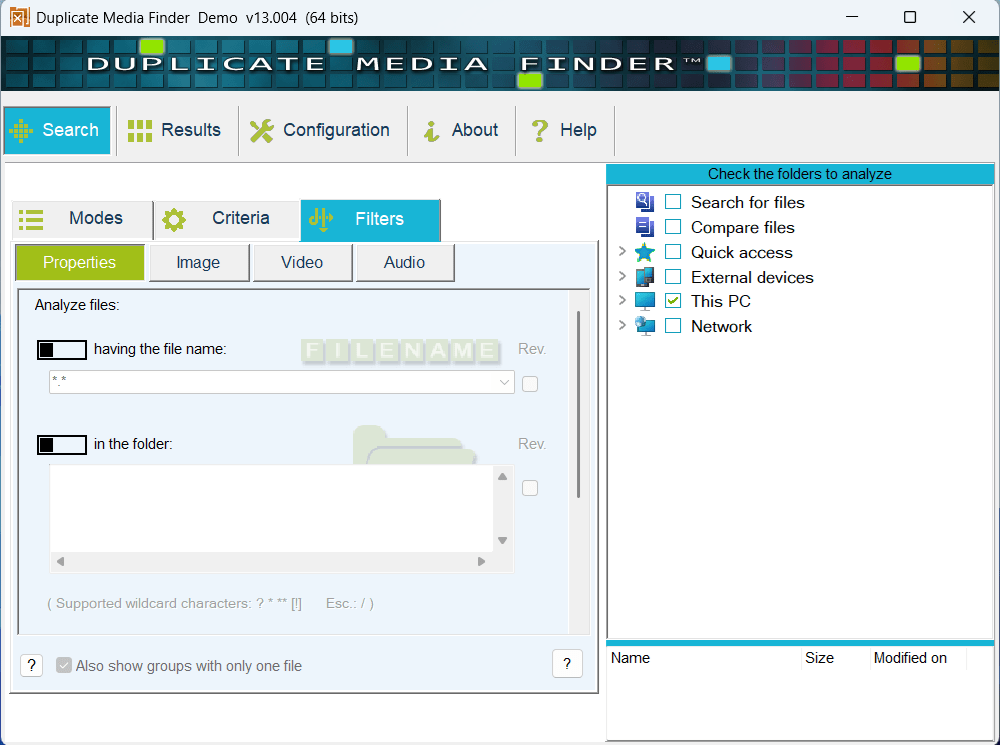
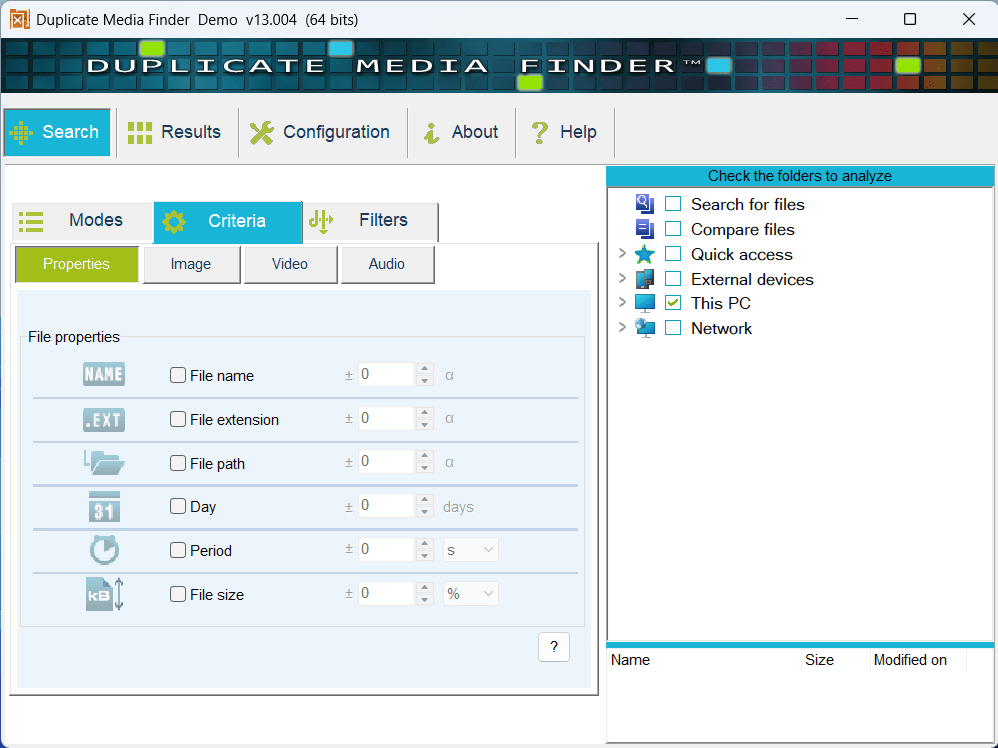
When you open Duplicate Media Finder, you are presented with a Search window. Here you can select if you want to search for identical or similar files. In the case of the latter, you can also set the sensitivity and choose what types of files you want to search for.
Each of the above options also provides some additional settings you can tweak when searching for duplicate files. Here you can select if you want to search only for files with the same name, extension, size, etc., use filters, and even provide specific image and video criteria when searching for similar files.Reviewing and deleting files
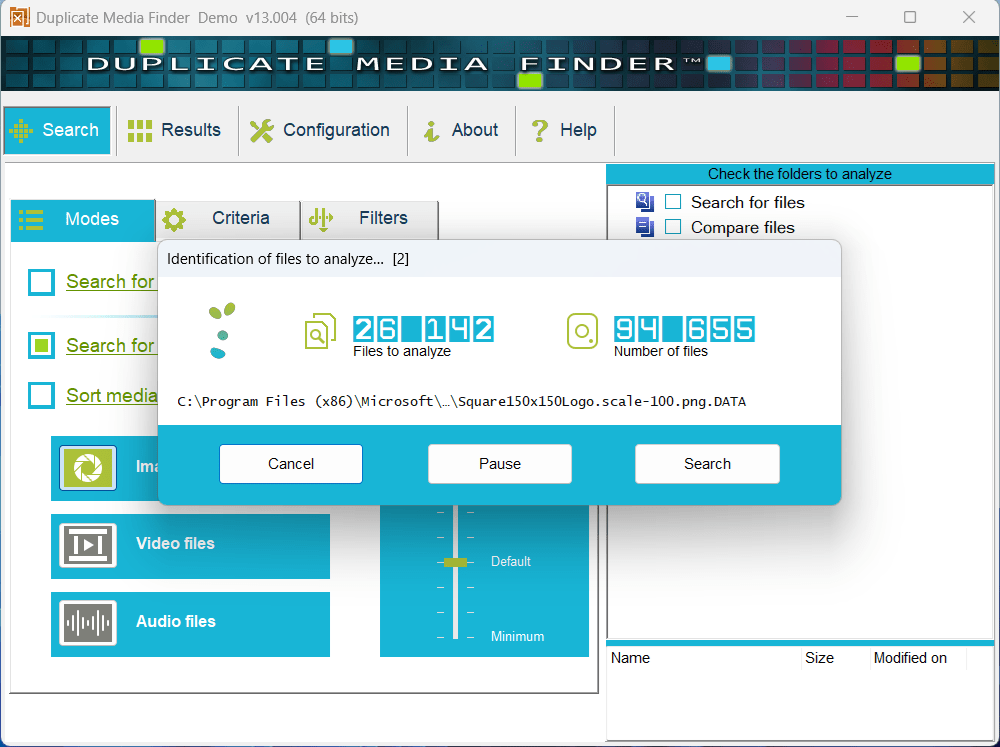
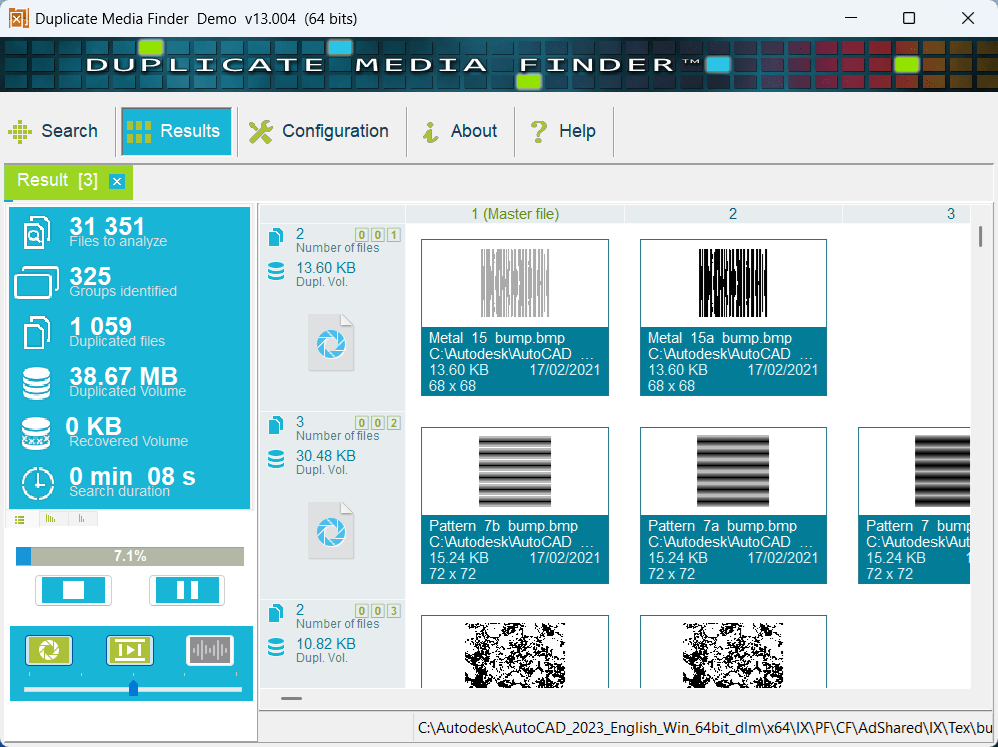
All that is left to do is select the location where you want to perform the search and click the Start button. In the next step, you can manually review the found results, select the ones you want to delete, or perform any other operation by clicking the right mouse button.Advanced settings
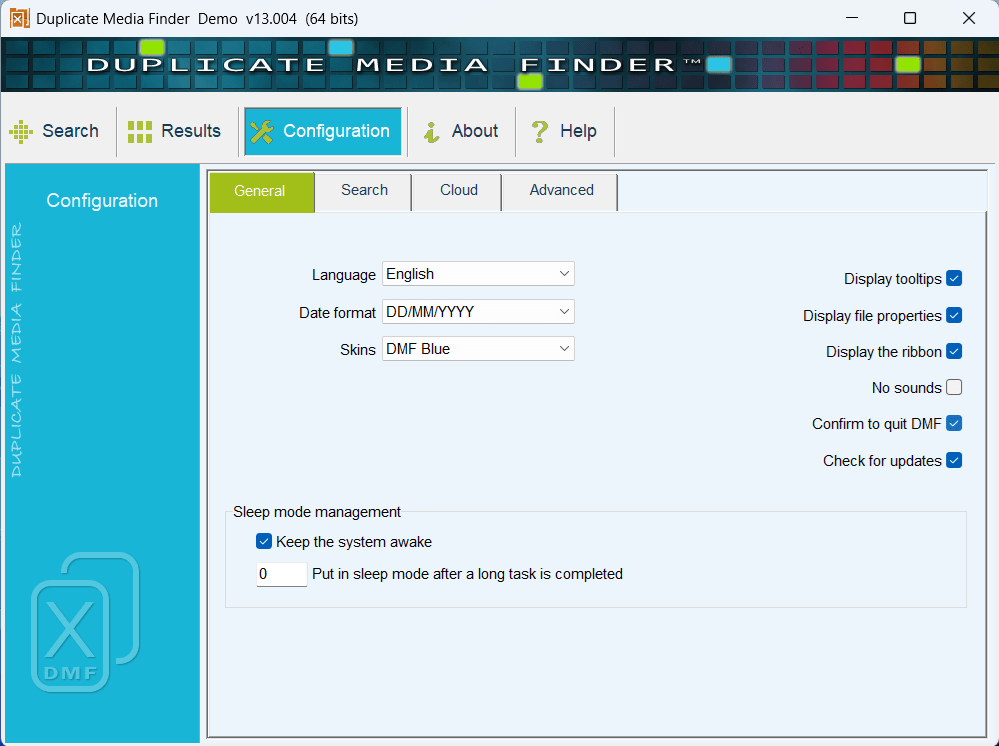
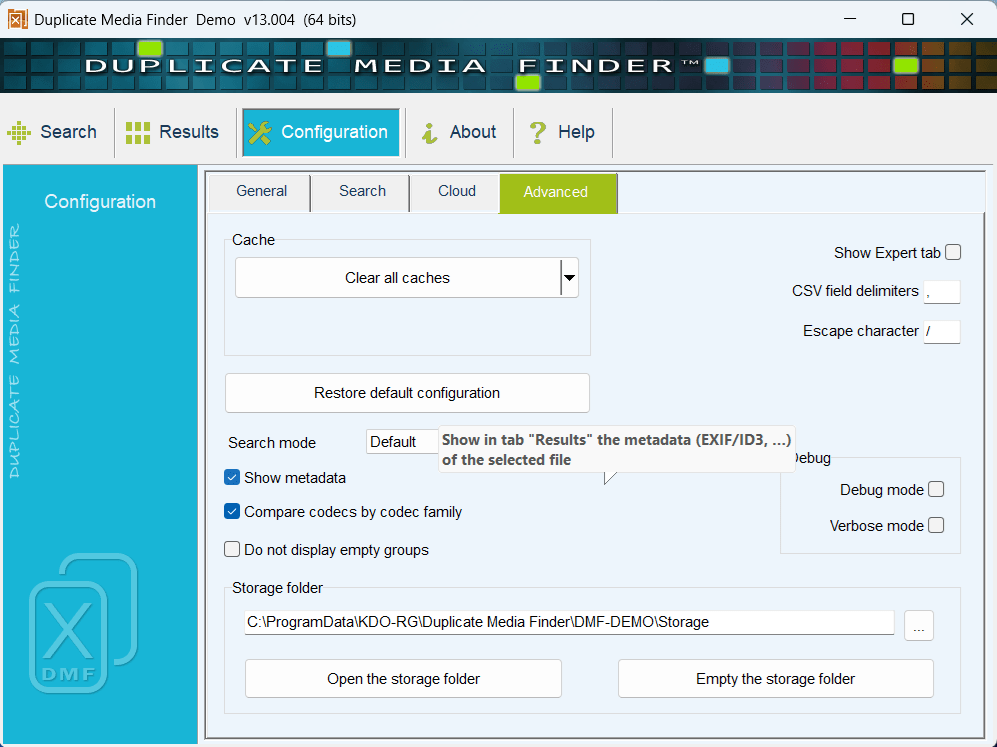
There are also some additional settings in the Configuration window for more advanced users, but even if you are a complete non-technical user, the software gets the job done without you having to tweak any of the advanced settings or even know what they mean.